This month, Nick Kontis, Product Manager for data platform and analytics, shares ideas on how to get the most out of your Energy.Hub.
For those new to the Energy.Hub, we wanted to share a few insights which will really make your experience that much better, as well as help drive value in your energy estate, whether your goal is to reduce costs, carbon or consumption.
Top Tip 1 – make data quality your top priority
Whether you are trying to perform energy management, bill validation or procurement, you’ll need to make sure all of your data is complete and up to date. Good data is the basic building block for everything. So below are my top tips for data management.
- Meter Data – HH data is the bed rock for all analysis, so make sure getting complete, up-to-date data, is top of your list. With HH data, you should be expecting to get above 97% of your data within agreed timelines. Look to use your heatmap and exception reports to help find any issues and notify your supplier or meter provider if you’re missing data or meters are not being read.
- Site, tariff and contract – keeping site information up to date, is crucial for most energy management activities. The type of site data you’ll need will depend on what activity you are performing. If you want to perform basic energy management, you’ll simply need the location and MPAN/MPRN. For those with more advanced needs like validation, you’ll need information around bills and tariffs. If you want to know what you have, what’s possible and what you might be missing – check out the Hub’s Data Quality report here.
- Procurement for Flexible Purchase customers – the Commodity element (power/gas) accounts for some 50% of your bill. So, if you are performing validation, or energy budgets, or cost forecasting, understanding the flexible energy component of your bill is important. You can load trades, and purchase requirements/trades directly into the hub, so that you can get the complete data picture when performing your analysis.
Top Tip 2 – get automated to make common tasks easier
There are a number of tasks in energy, which can be a little repetitive, and require constant monitoring and attention. For instance, maybe you want to check the meter data, and email a “missing data” report to your energy supplier/meter company. Or maybe you want to email a budget report to a store manager to help them understand how they are tracking (under/over budget).
For a number of these tasks, you can set up automated reports, and alerts, and have them emailed out on a set time basis (e.g. every week, or every month). By automating some of the common tasks in energy, it helps make sure you don’t forget to carry something out, as well as takes the task off your schedule – you can read more about automation here.
Top Tip 3 – get people that can reduce costs & carbon involved
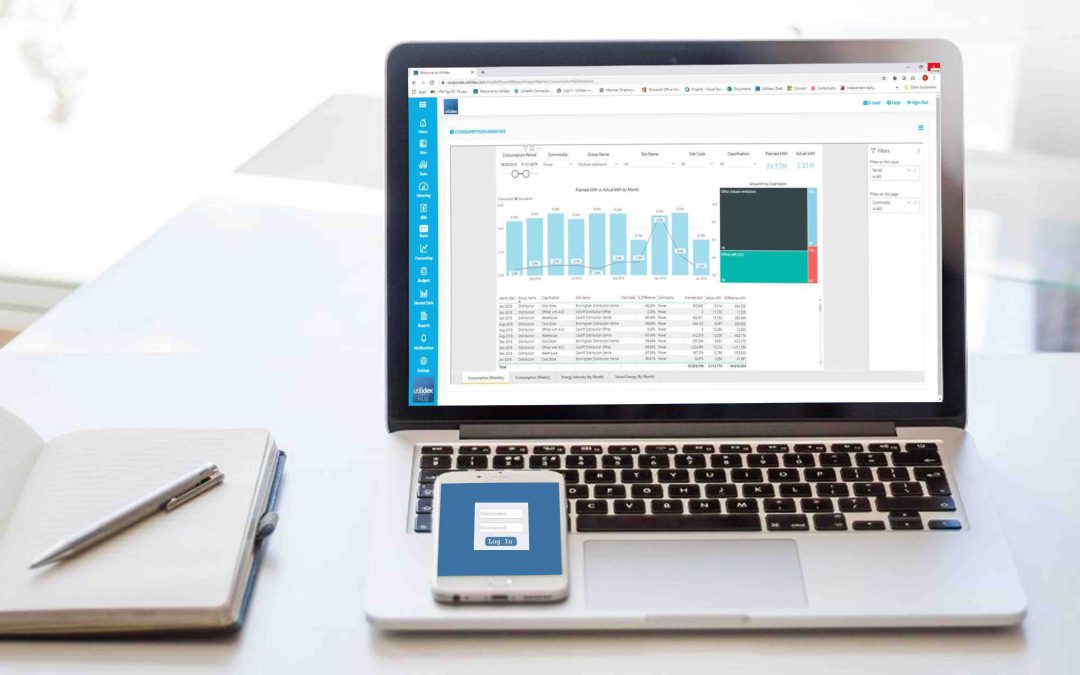
For many customers that manage a large estate, there could be somebody that looks at energy data in detail, but it’s the people on-site that can really make a difference to reducing cost, carbon and consumption. Have a think about the best ways to engage those that have direct impacts on the bill, whether that be through the mobile phone app, a site wall board, or a set of email alerts/notifications to help people take action at important times.
Take a look at the Utilidex Archives – to see how Aviva uses employee engagement to reduce carbon by 10% across their estate.